Home and business cable expert · Nottingham NG3
Slow WiFi? Dropouts & dead spots fixed Across Nottingham
Most slow internet I get called about isn't the broadband, it's where the router sits. It's on the floor behind the telly, the room you work in is upstairs at the back, and there are two brick walls in between. I spent years as a Virgin Media engineer, so I know where to look.
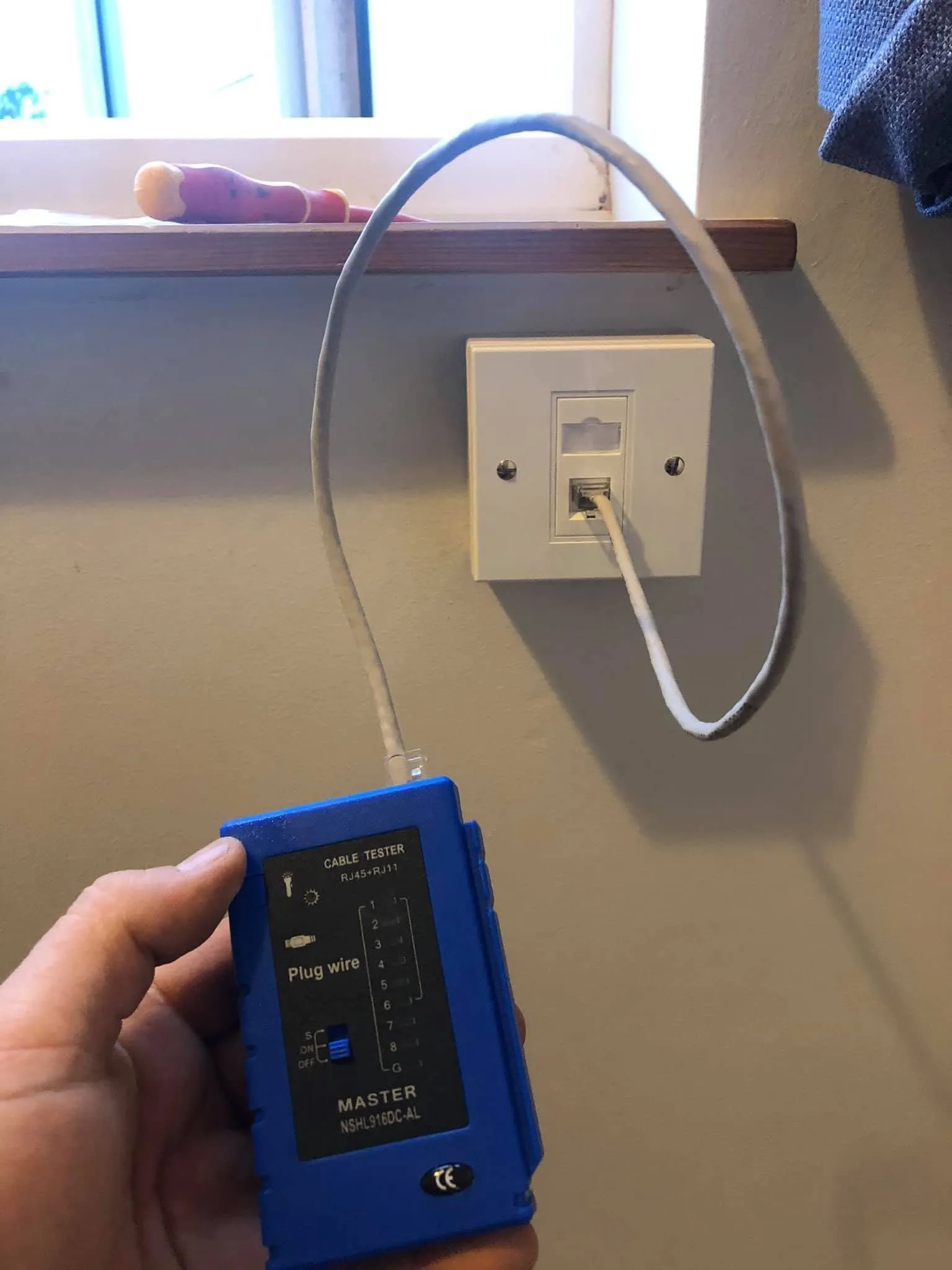
The job
The usual causes
Before anything gets bought, I look at where the signal starts, where it dies and what’s plugged into what. The same handful of things come up in most Nottingham houses.
- The router’s in the hall cupboard or behind the TV, because that’s where the cable came in.
- Thick brick or block walls between the router and the room you actually use.
- A plug-in booster daisy-chained off another booster, so there are two networks with the same name fighting each other.
- A badly terminated cable from a previous install, running at a fraction of what the line can do.
- Old coax or phone extensions that were never meant to carry broadband.
The three fixes
Once I know the cause, the fix is one of three things.
- Move the router, or the socket it lives on. If the Openreach master socket or the Virgin Media wall box is in a daft corner, I relocate the connection so the router sits in the middle of the house, off the floor. One customer had me move their internet connection and sockets and tidy the wiring in the same visit. Often that’s the whole job.
- Wire in an access point. A cable to a small access point on the wall or ceiling upstairs gives you a proper second signal, not a booster repeating a weak one. Same network name, no drop when you walk up the stairs. The cable run is the same job as an ethernet socket.
- Hardwire the heavy users. The consoles and the work PC. Take them off WiFi and what’s left has the air to itself. One household had nearly two years of slow internet and a string of engineers scratching their heads. I hardwired every PC and Xbox in the house. More on hardwire gaming and TV.
Every socket gets the tester on it before I pack up, then your own device to prove it.
What I won’t do
Sell you a box you don’t need. If a booster would genuinely fix it, I’ll say so. If the fix is a cable, I’ll say that too, and I’ll be honest that it usually is. If the answer is that your broadband package is the problem, I’ll tell you, and what to say to your provider.
If the last engineer’s cable is the fault, I test it and show you the number before I replace anything. That side of the work is on the cable tidy and repairs page.
Random dropouts
Internet that cuts out for thirty seconds at a time and comes back is a different problem to weak signal. Signal is about walls and distance. A dropout points at the cable itself: chafed where it comes round the house, a corroded joint in old coax, or the connection where the line comes in. Message me with when it happens, how long it lasts and whether it’s every device or just one, and I’ll tell you what I’d check.
What it costs
No price list, because a router move across the hall and a wired access point two floors up aren’t the same job. What changes the number is how far the cable goes and how awkward the route is. Send me a photo of where the router is and a photo of the room where the WiFi dies, with your postcode, and I’ll come back with a figure or arrange to look. How pricing works.
From the phone, on the job
Real jobs, real photos
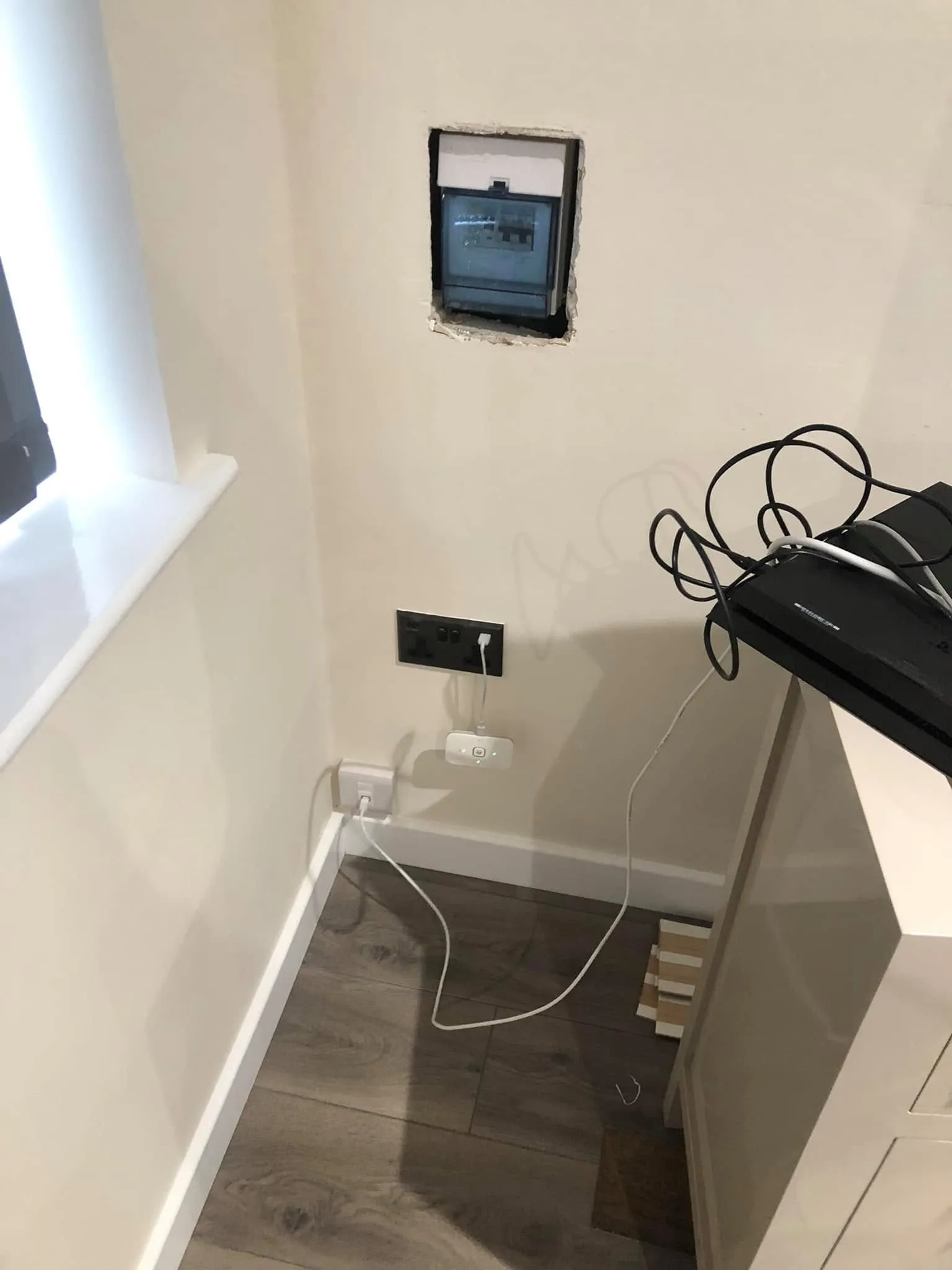 Before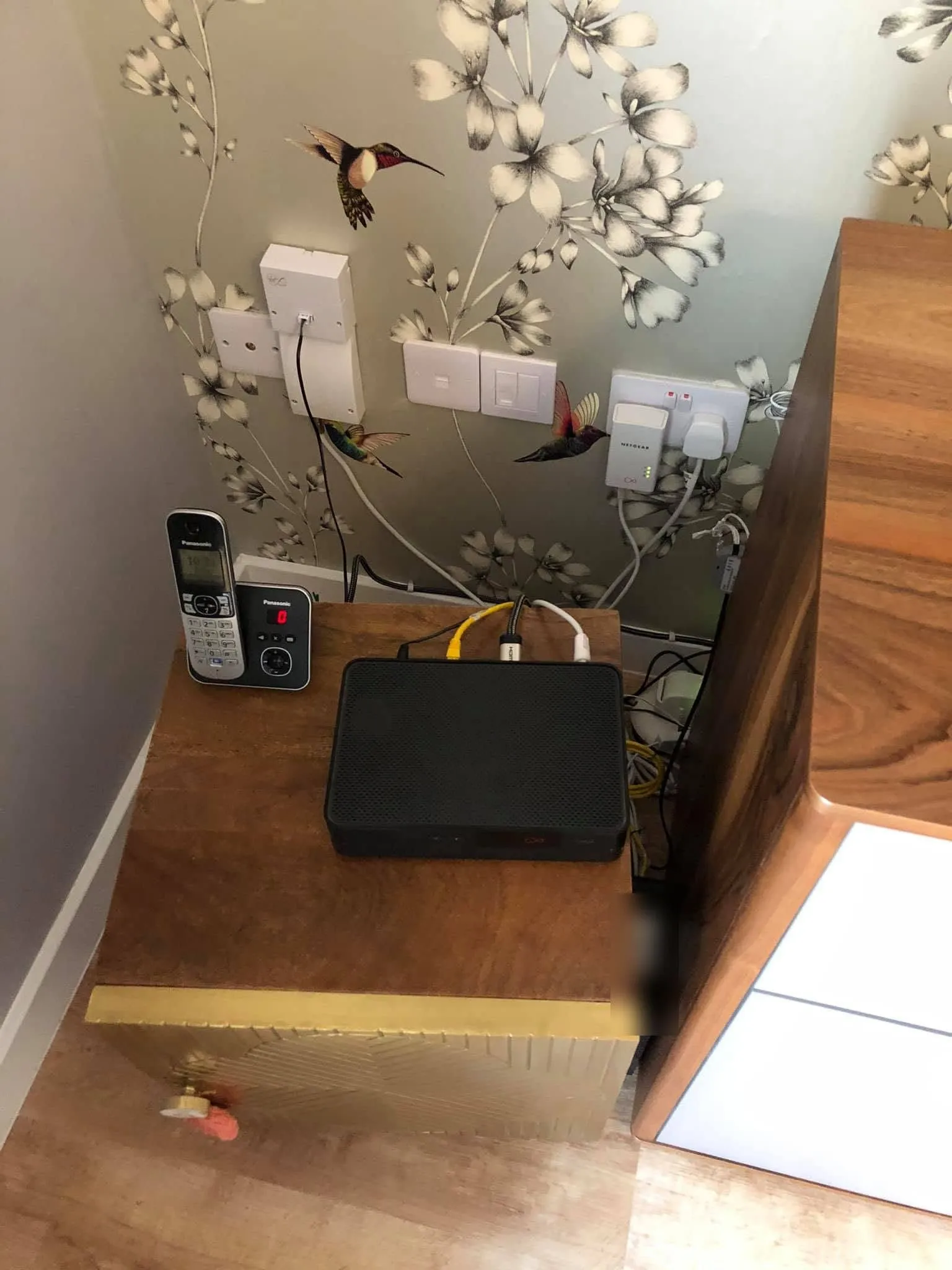
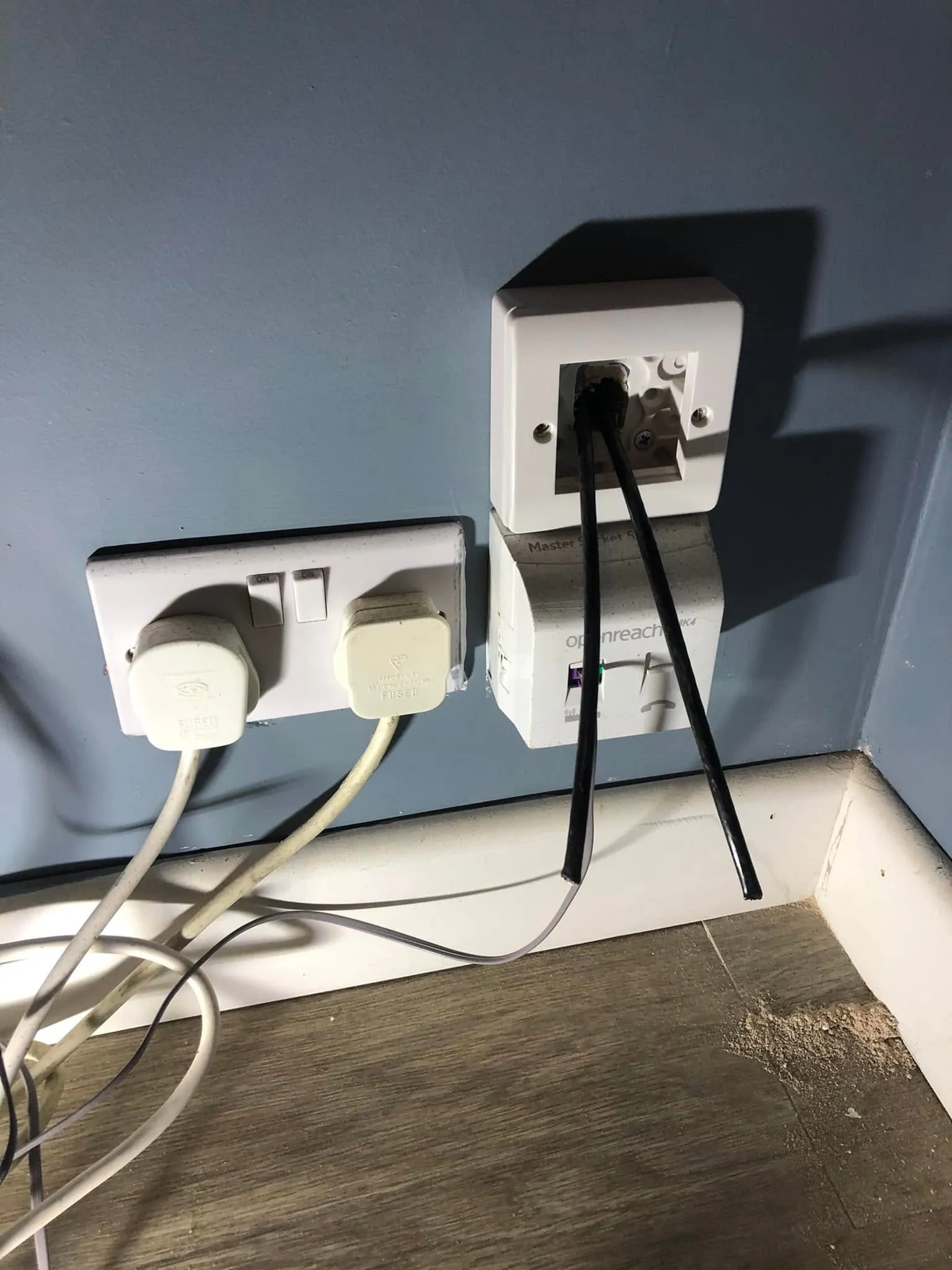 Before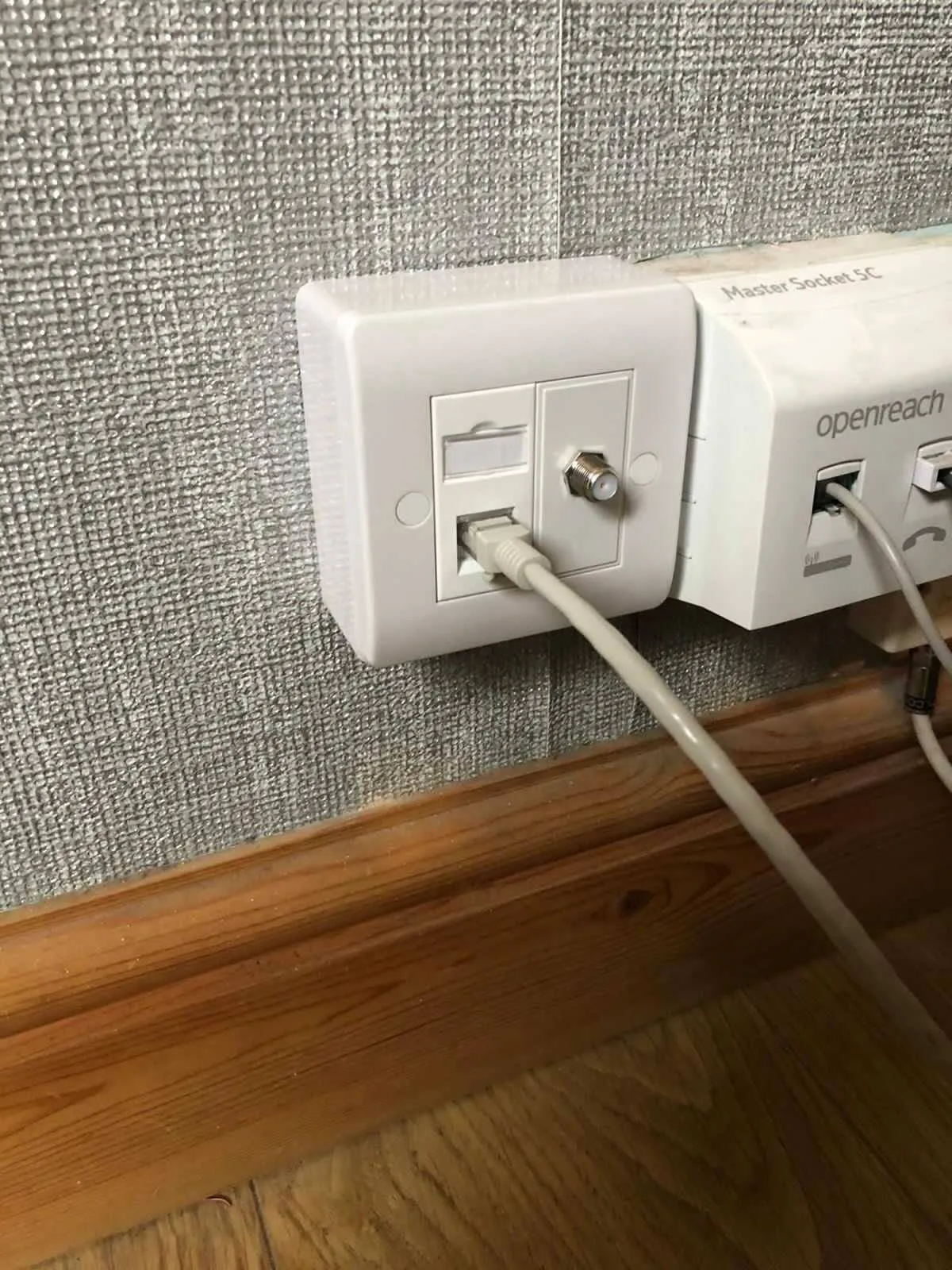
Questions people ask
Before you message
Short answers. If yours is not here, ask on WhatsApp.
Will you just tell me to buy a mesh system?
A mesh system is the right fix for some WiFi problems and the wrong one for most, so no, I won't push one on you. Mesh boxes work best when they're wired to each other, which brings it back to a cable. If a mesh kit really would sort your dead spot, I'll say so. If a wired access point would do it better, I'll say that instead, and this WiFi problems page explains what that involves.
My provider says the line is fine. Why is the WiFi still bad?
When your provider says the line is fine, they're usually right. The line tests fine at the Openreach master socket or the Virgin Media wall box. Everything after that point is the WiFi problem: where the router sits, the walls between it and you, and any boosters someone has added. That part is my end. Send a photo of where the router lives and I'll tell you what I'd check first. The how it works page explains what happens after that.
Can you move the router to another room?
Yes, moving the router is the relocation job. I extend or move the incoming connection and fit a new socket where you want the router to live, usually somewhere central and off the floor. It works with a Virgin Media Hub and with routers on an Openreach line. One customer had me move their internet connection and sockets and tidy the wiring in the same visit, and the cable tidy and repairs page shows that kind of work.
Do you supply access points and boosters?
Access points and boosters are only worth fitting when they're the right answer for your WiFi problem, and I don't push kit for its own sake. Ask when you message. A wired access point needs a cable back to the router, which is the same run as a new socket, so the ethernet sockets page shows what that looks like on the wall.
Is a random dropout a WiFi problem or a broadband problem?
A random dropout, where the internet cuts out for thirty seconds and comes back, is a different fault to weak WiFi signal, and it's worth telling the two apart before you spend anything. Weak signal is walls and distance. A dropout can be a damaged cable outside, a corroded joint in old coax, or the connection into the house. Message me with when it happens and how long it lasts, and I'll tell you what I'd check. Damaged cable is covered on the cable tidy and repairs page.
Related
Jobs that often go with this one
- Ethernet sockets fitted in Nottingham
A wired socket in the room you actually use. Single, double or quad faceplate, labelled by hand, tested before I leave.
- Hardwire your Xbox, PS5, PC and TV in Nottingham. No more lagging
Xbox, PS5, PC and Smart TV on their own ethernet socket instead of WiFi. Lower ping, no buffering.
- Cable tidy and repairs in Nottingham
Damaged, chewed, tangled or badly fitted cabling tested first, re-run where it needs it, and left labelled.
Based in NG3, covering Nottingham, Arnold, Carlton, West Bridgford and the villages out to Southwell. Further by arrangement.
Craig highlight start came same day highlight end and installed a Ethernet cable from our to our home office. Quick, effective and reasonably priced. 5/5 can't recommend enough
Send me a photo.
One photo of where the router is, one of where you want the socket, and your postcode. I will come back with a price or a time to look.