Home and business cable expert · Nottingham NG3
Nothing on show. TV wall mounting, cables hidden Across Nottingham
Putting a TV on the wall is easy. Putting it up level, on the right fixings for the wall you've got, with no cables dangling and an ethernet socket behind it so it isn't relying on WiFi, takes a bit more care. I was a builder before I was an engineer, so I know what's behind the plaster before I drill.
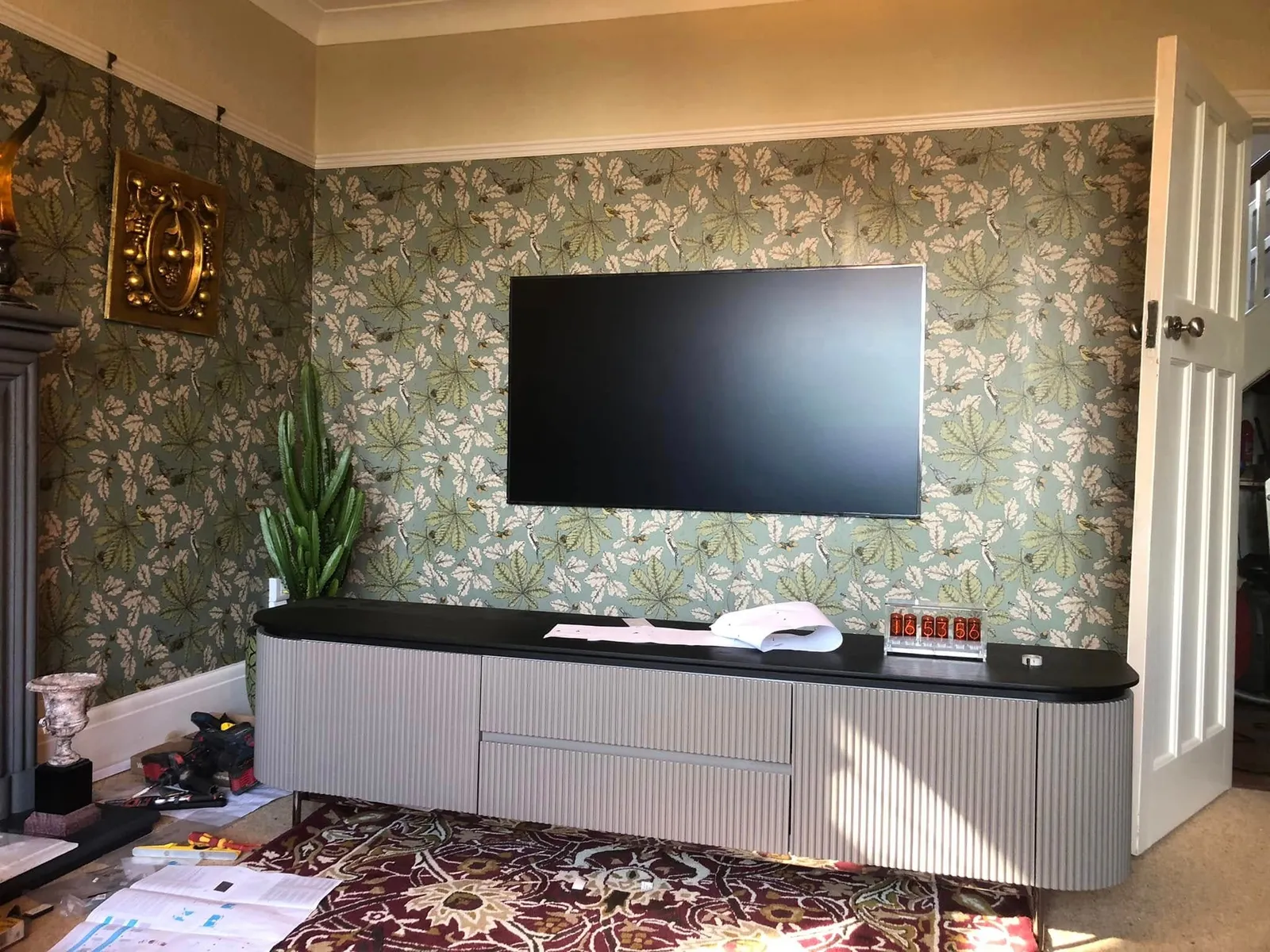 Finished job
 The job
What I mount
- Fixed, tilting and full-motion brackets, for any size of TV.
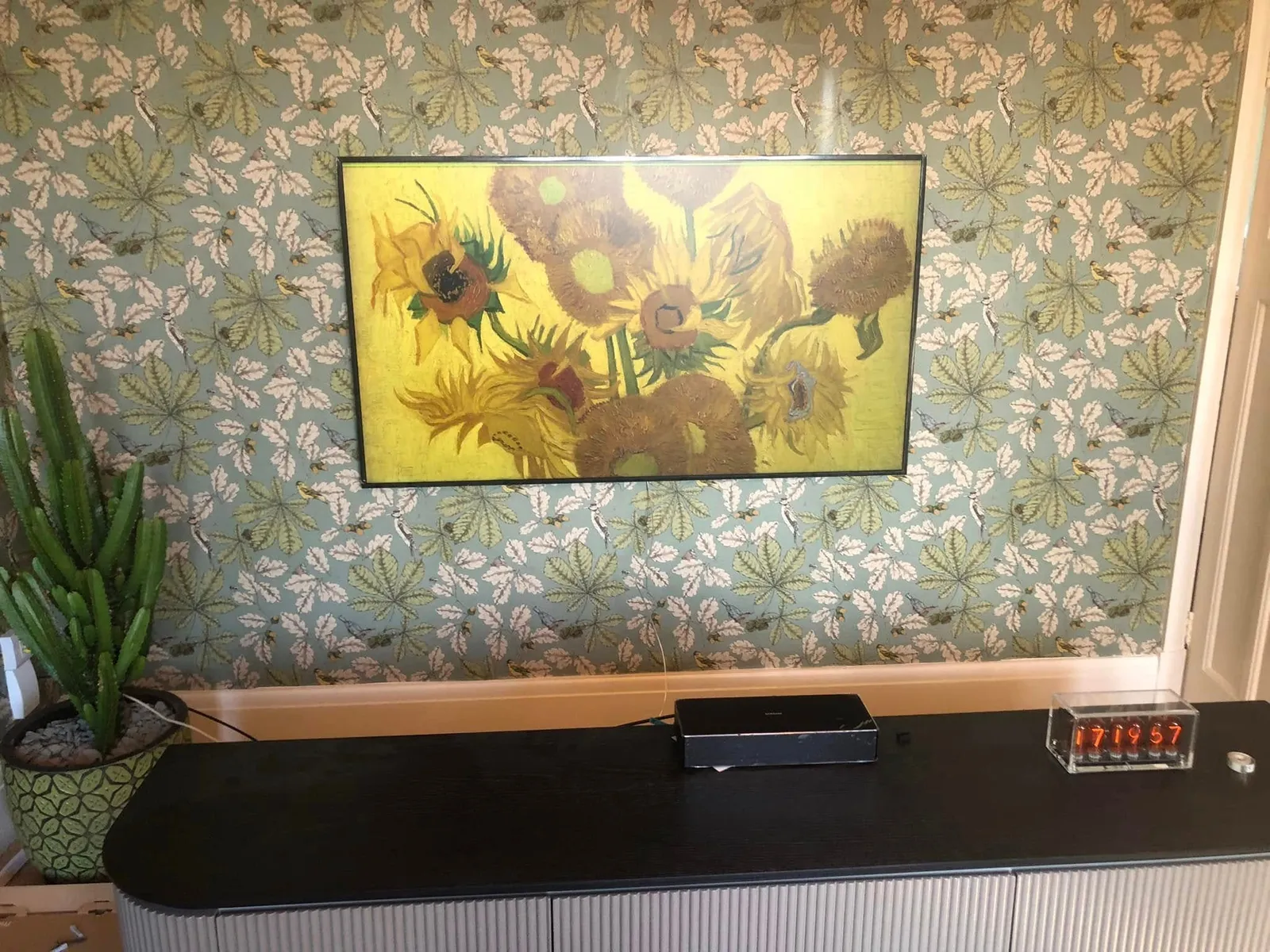
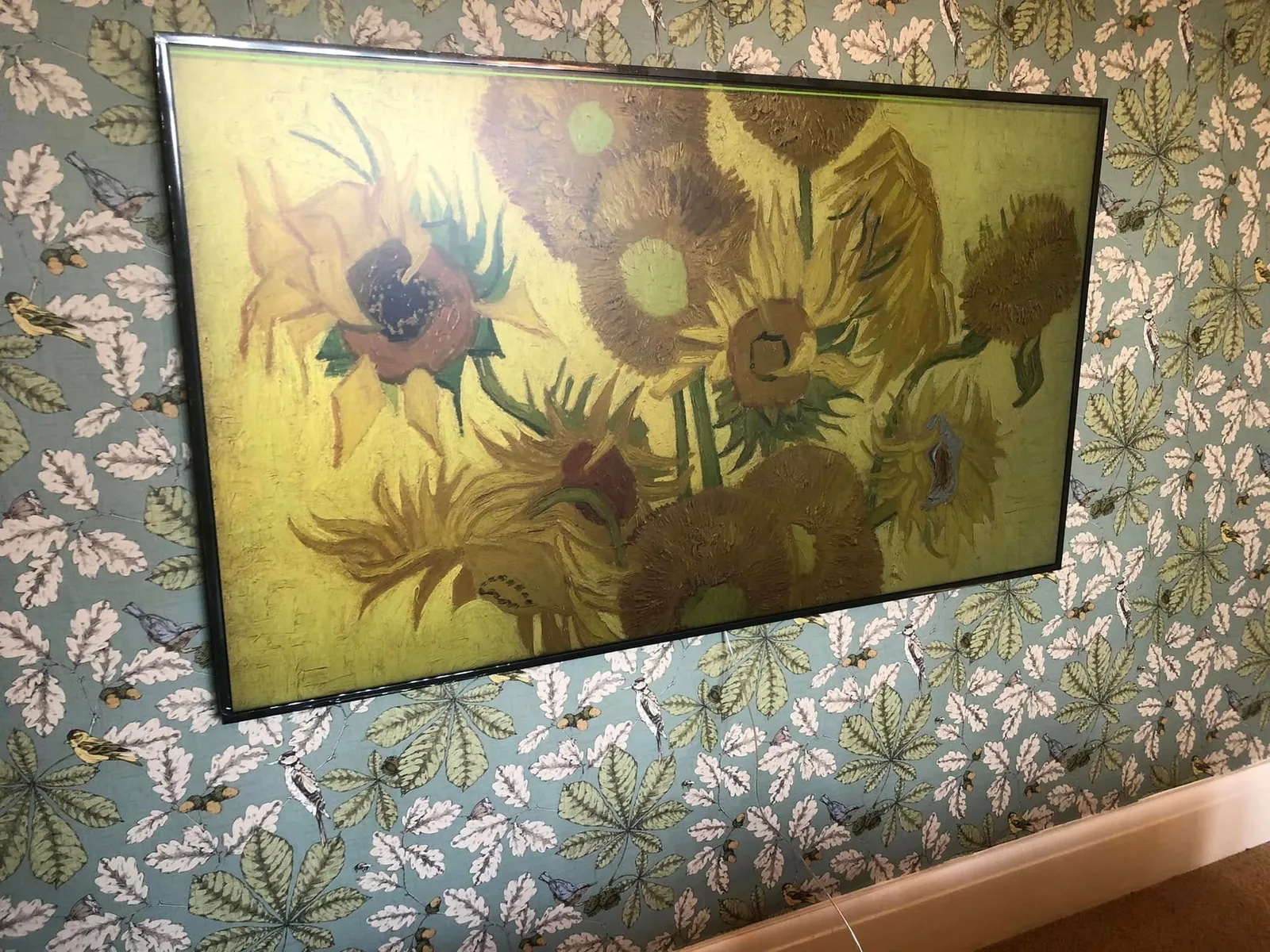
- Samsung Frame TVs flush to the wall, including on wallpaper, with the one thin cable dropped out of sight.
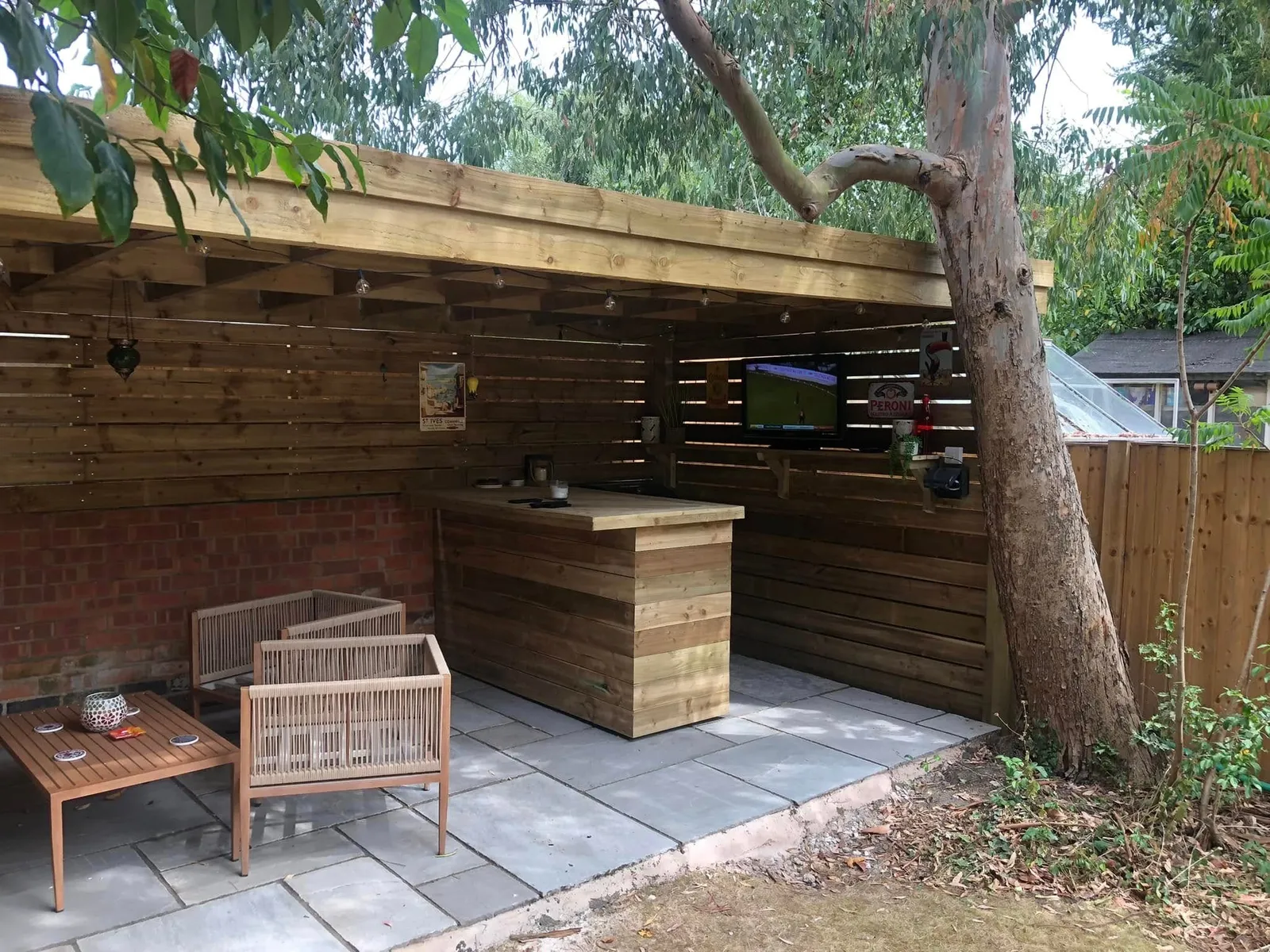
- TVs in kitchens, bedrooms and garden bars, above a sideboard or over a fireplace.
- The set-up as well as the bracket. Aerial or Sky lead in, sound bar connected, ethernet in the back, apps signed in.
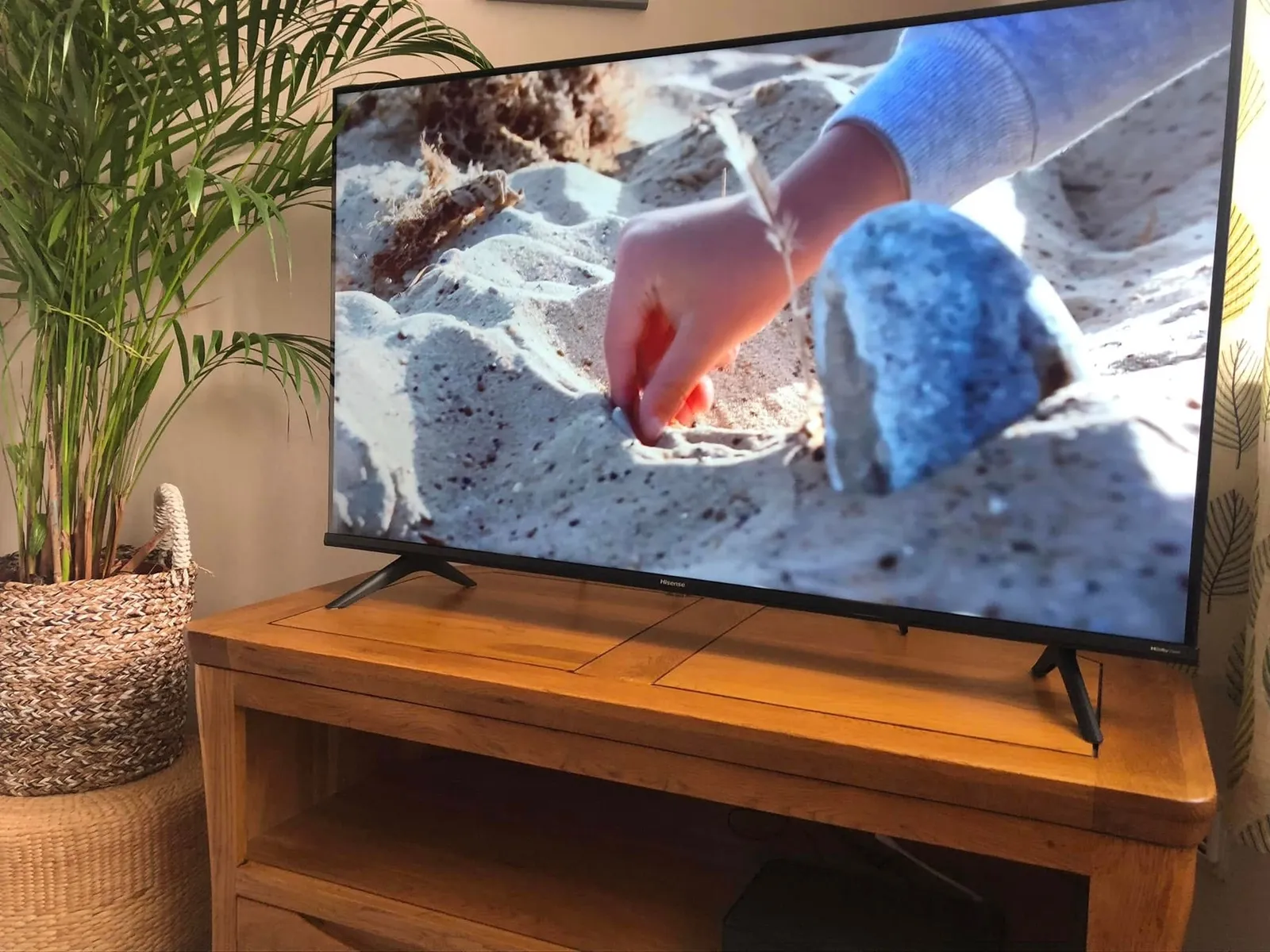
Not every TV goes on the wall. One new Hisense went on an oak corner unit on its own feet, set up where it stands. Another sits on a shelf in a timber garden bar, with a data point on the wall beside it. And one customer had been let down by several engineers on a new TV before I turned up with the tools and finished the set-up and installation. That review is further down this page, and the rest are on the reviews page.
How I do it
First I check what the wall is made of. Brick, block, dot-and-dab plasterboard and timber stud each want different fixings, and I carry all four in the van. Being a builder first means I’ve a fair idea what’s behind the plaster before the drill comes out.
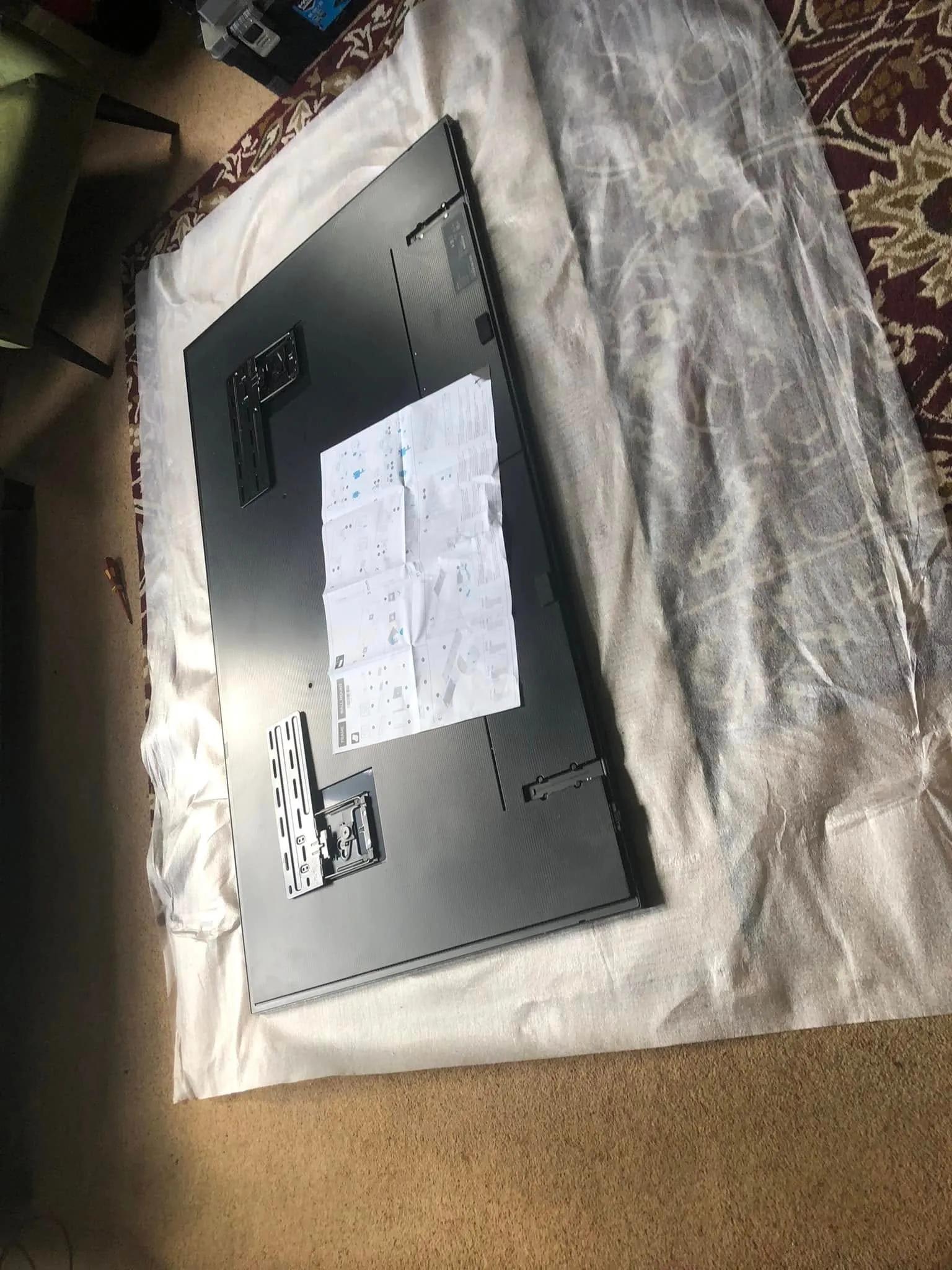
The bracket is levelled with a spirit level, not by eye. Dust sheet under the whole area before anything starts. If the TV is new, I unbox it, fit the plates to the back, hang it and check it sits square on the bracket. Then the leads go in: HDMI to your boxes, the aerial or Sky feed, the sound bar, and ethernet if you want it wired rather than on WiFi. I set it up on the wall so it is working before I go. The packaging goes in your recycling or leaves with me, your choice, and the brick dust comes up with the dust sheet.
The photos on this page show a TV face down on the dust sheet with the plates fitted, Frame TVs sitting flush on wallpaper, and a new LG up on the wall part way through set-up, waiting for its ethernet. More TV jobs are in my work photos.
Hidden cables and a socket behind the TV
Power is the one cable I don’t touch. If there isn’t a plug socket behind the TV, that’s a job for your electrician, and I’m happy to work alongside them. Everything else, HDMI, ethernet, aerial and satellite coax, I drop inside the wall where the wall allows it, or run in slim trunking along the surface where it doesn’t. If you’re having the room decorated, get me in before the paint goes on. A cable put in before the plaster stays hidden for good.
While the TV is off the wall is the best time to put an ethernet socket behind it. A Smart TV, Sky Glass or a games console on a cable stops depending on the WiFi. There’s more on the hardwire gaming and TV page and the ethernet sockets page. If the room has no aerial or Sky feed yet, that’s covered under Sky, satellite and aerial cabling.
What it costs
No price list, because the cost depends on the bracket, the wall, how far the cables have to travel and whether you want an ethernet socket behind the TV while I’m there. Send a photo of the wall, the TV model and your postcode, and I’ll come back with a quote or arrange to look. Nothing gets drilled until you have a figure. See how pricing works.
From the phone, on the job
Real jobs, real photos
 Before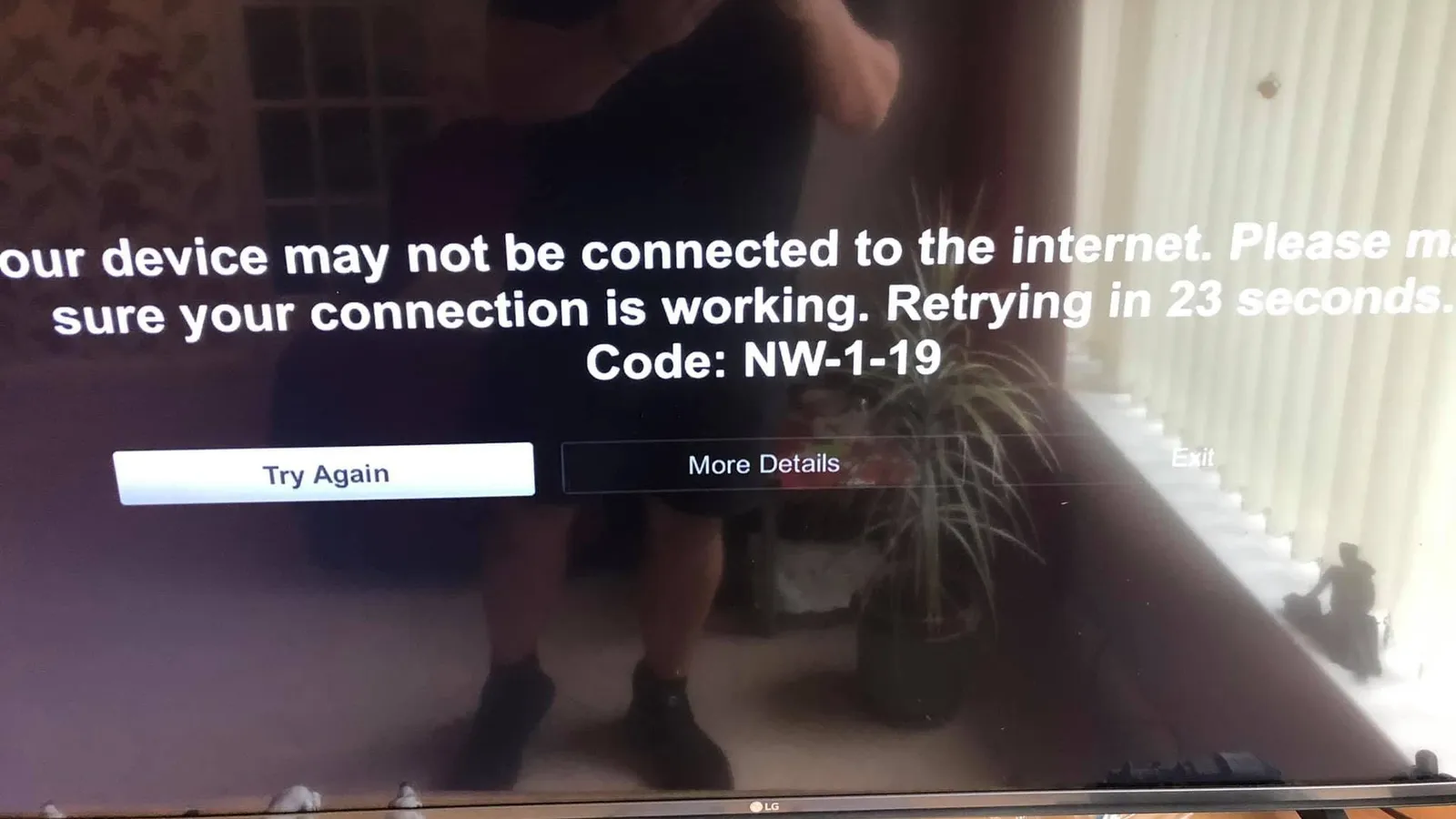
Questions people ask
Before you message
Short answers. If yours is not here, ask on WhatsApp.
Can you mount a TV on plasterboard?
Mounting a TV on plasterboard is fine with the right fixings, or by screwing through into the timber stud behind it. I check what the wall is made of before I drill, whether that is dot-and-dab, stud or solid brick, and I carry fixings for each of them. The rest of the method is on this TV wall mounting page.
Do you supply the TV bracket?
Yes, I can supply the TV bracket, or fit one you have already bought. Tell me the TV model and what the wall is made of and I will say which type suits it, fixed, tilting or full-motion. The rest of the job is described on this TV wall mounting page.
Can you hide the power cable inside the wall?
Hiding the power cable inside the wall is not something I do, because adding or moving a mains socket behind the TV is a job for your electrician. I hide everything else, HDMI, ethernet, aerial and satellite coax, inside the wall or in slim trunking. There is more on that in the hidden cables section of this TV wall mounting page.
Can you put an ethernet socket behind the TV at the same time?
An ethernet socket behind the TV is the best thing to add while the TV is off the wall, because the cable drops in behind the bracket where nobody sees it. Sky Glass, most Smart TVs and most games consoles have an ethernet port, and once they are on a cable the WiFi can be as busy as it likes. Ask for it when you send the photos and I will quote both together. The hardwire gaming and TV page explains why a cable beats WiFi for the telly.
Related
Jobs that often go with this one
- Hardwire your Xbox, PS5, PC and TV in Nottingham. No more lagging
Xbox, PS5, PC and Smart TV on their own ethernet socket instead of WiFi. Lower ping, no buffering.
- Satellite dishes, Sky and TV aerials fitted and extended in Nottingham
New dishes and aerials fitted, satellite and aerial feeds extended to another room, Virgin Media points moved, old coax tidied.
- Ethernet sockets fitted in Nottingham
A wired socket in the room you actually use. Single, double or quad faceplate, labelled by hand, tested before I leave.
Based in NG3, covering Nottingham, Arnold, Carlton, West Bridgford and the villages out to Southwell. Further by arrangement.
Craig highlight start came same day highlight end and installed a Ethernet cable from our to our home office. Quick, effective and reasonably priced. 5/5 can't recommend enough
Send me a photo.
One photo of where the router is, one of where you want the TV, and your postcode. I will come back with a price or a time to look.